

Responsible for the static design only.
GRAPHIC DESIGN
2022 – 2026
Microsoft Surface
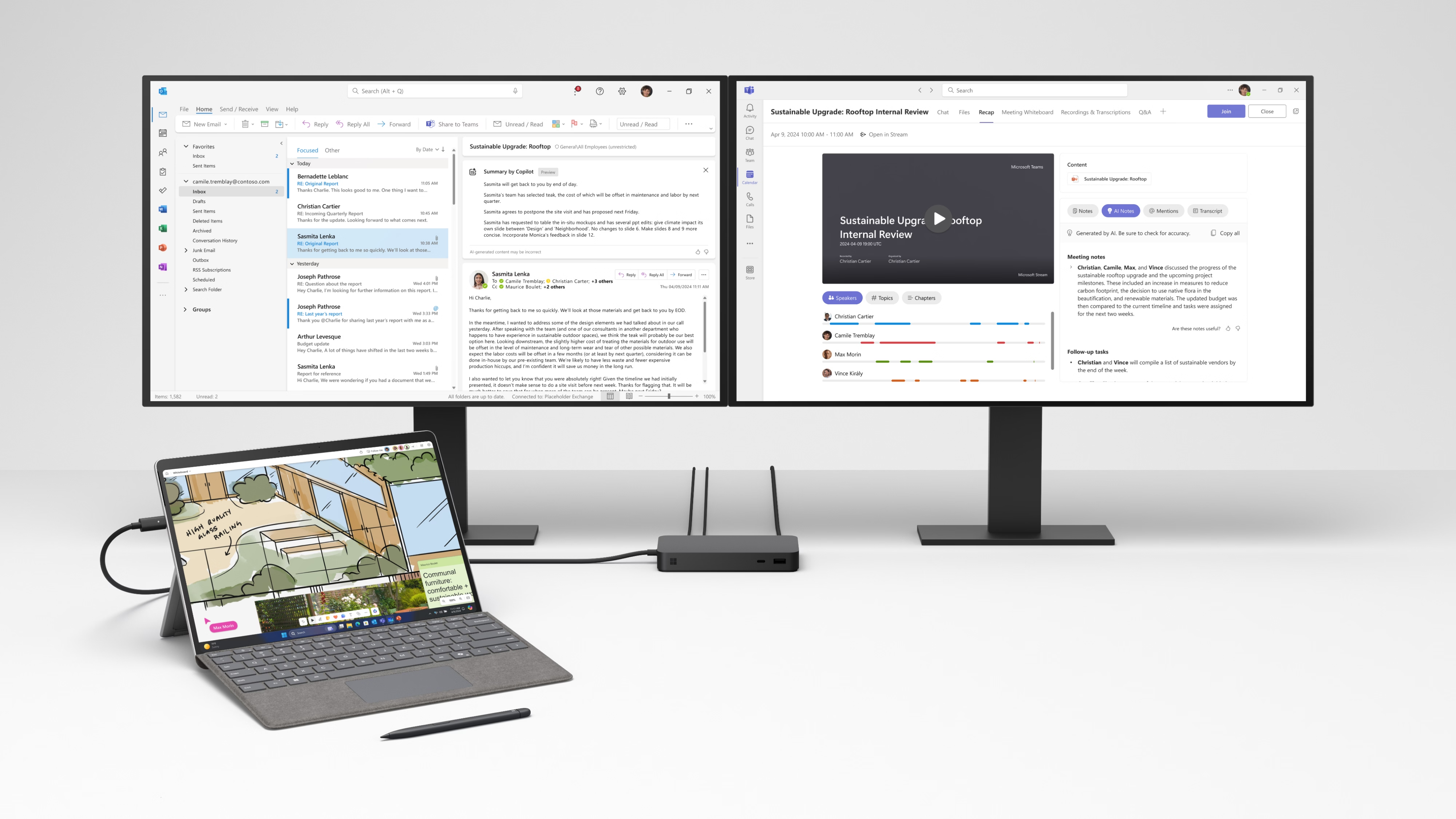
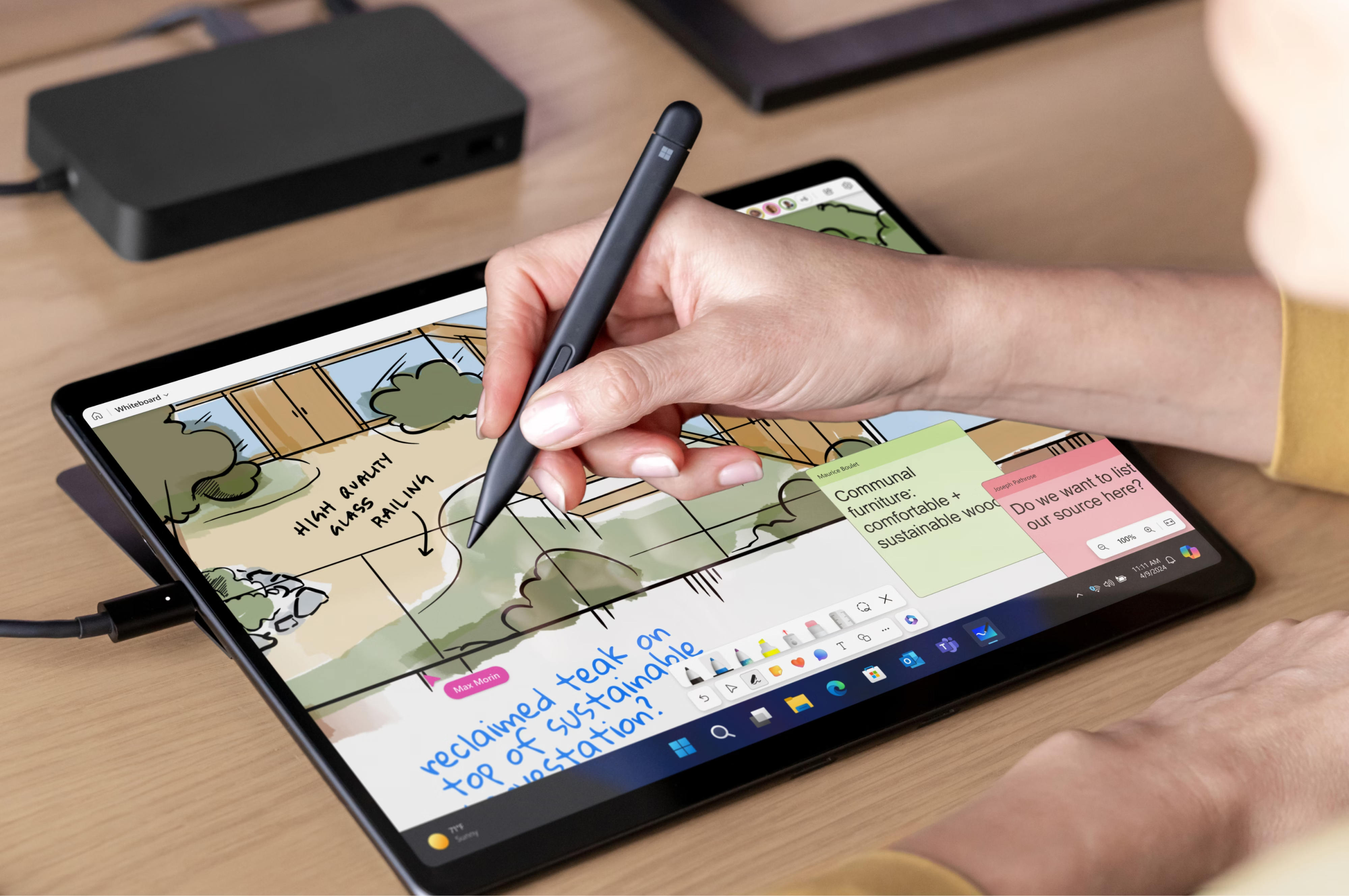
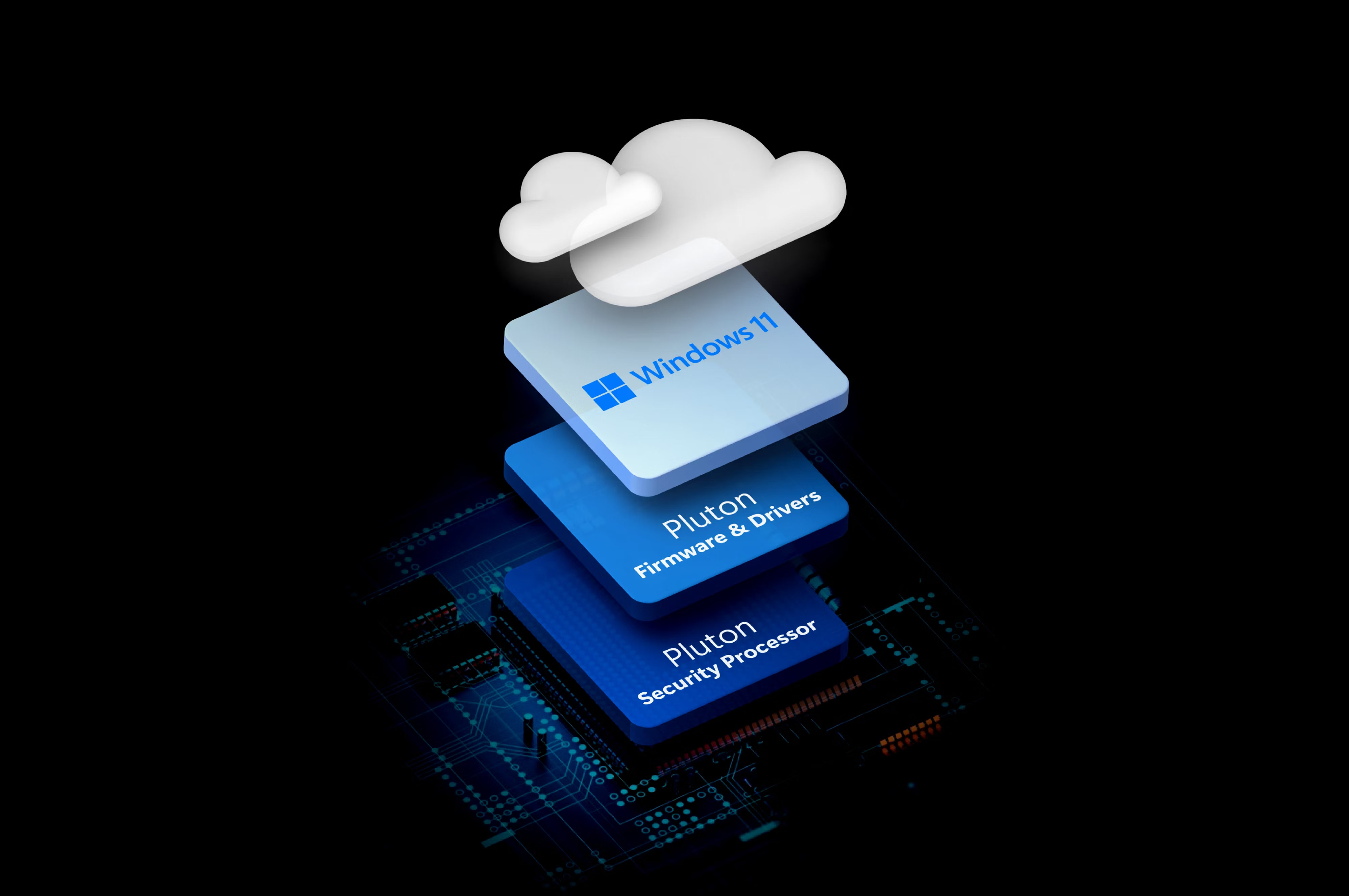
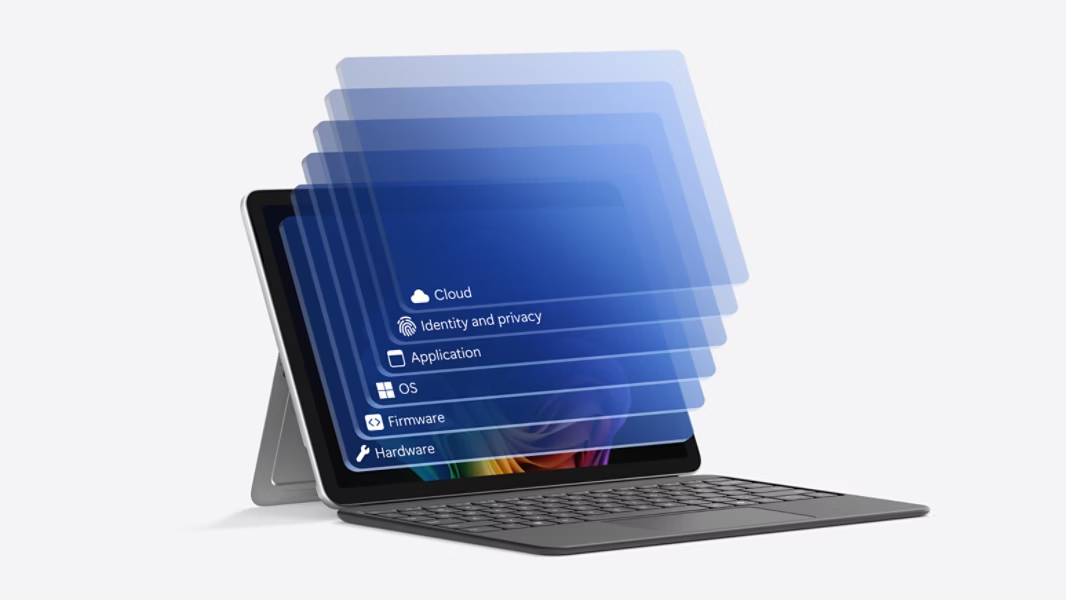
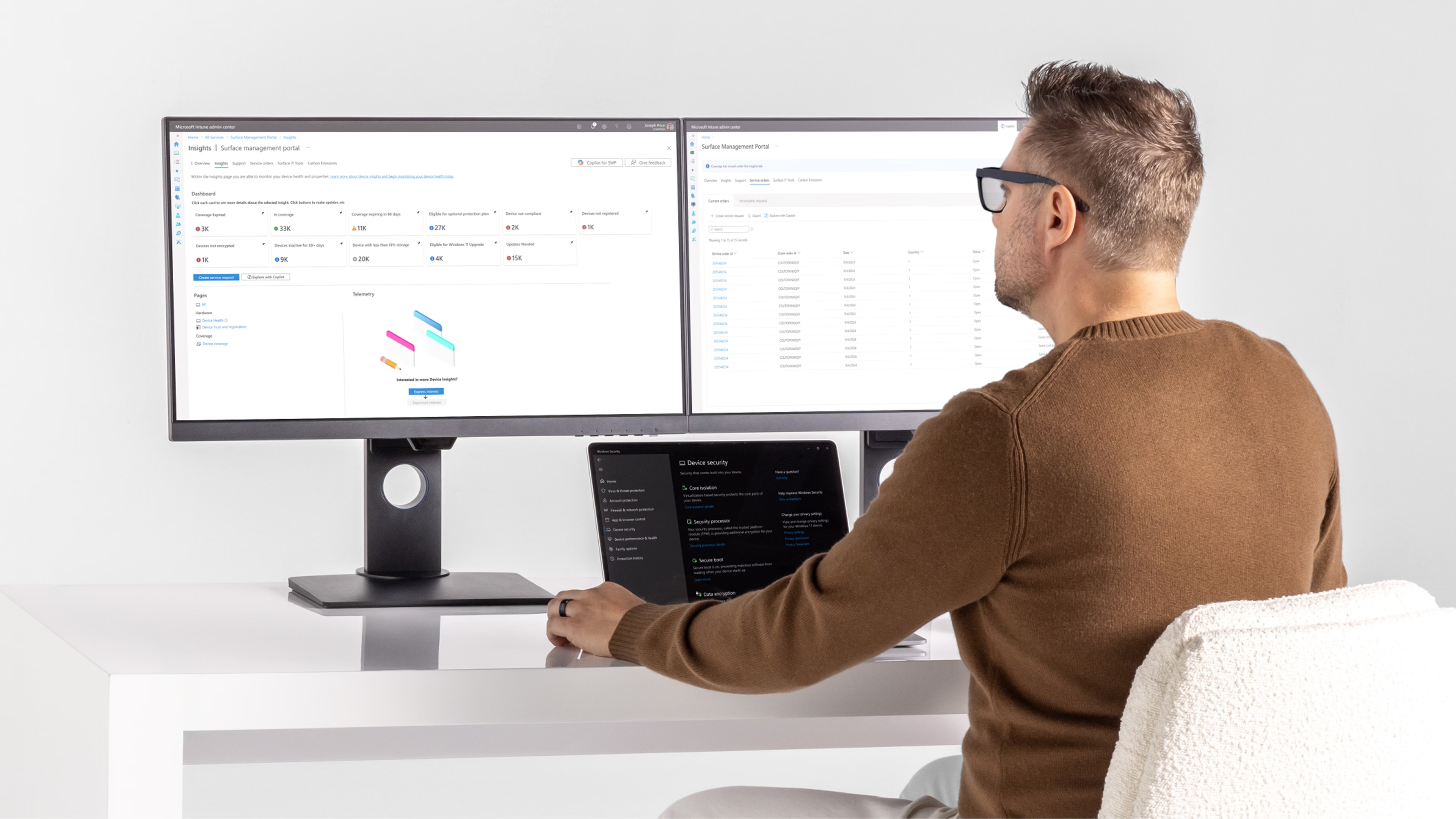
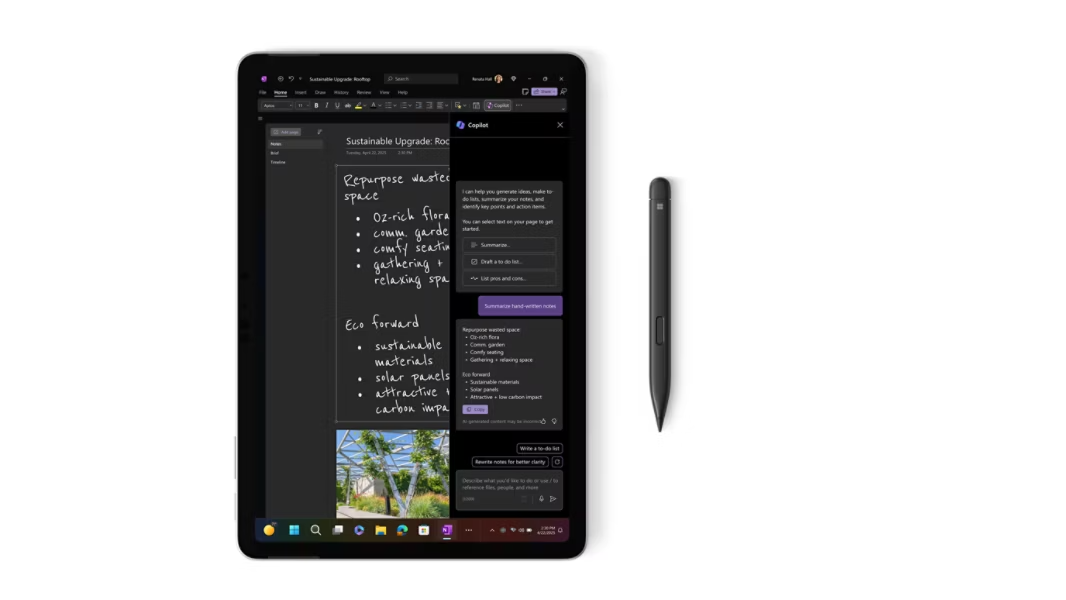
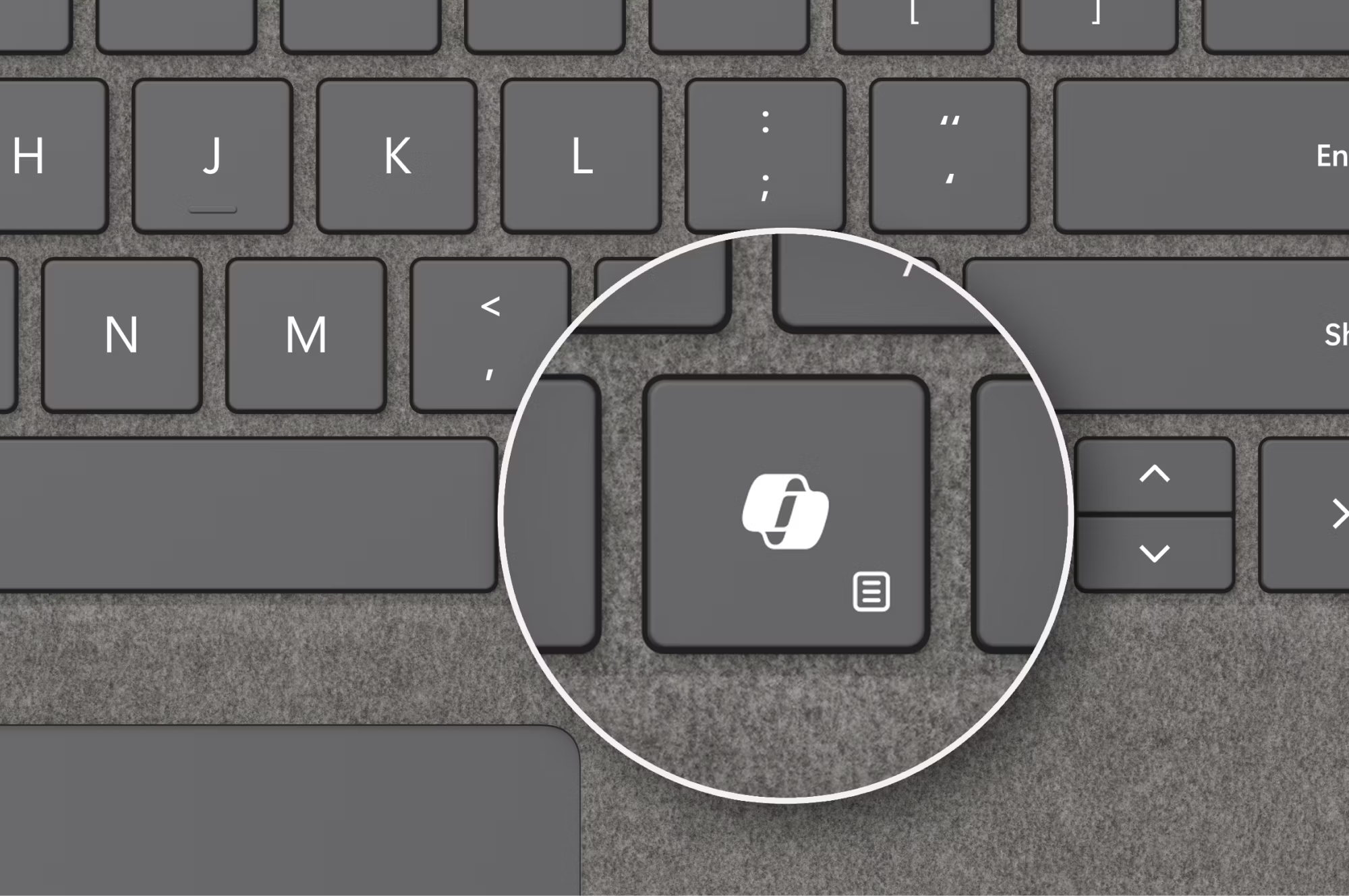
For over 4 years at COLOR Creative, I’ve worked with the Microsoft Surface for Business team to design static assets (most commonly application screens), supporting the product launches of Microsoft Surface devices.
Before companies began embracing Figma, designs were created in Illustrator/Photoshop, sometimes recreated entirely from a PNG reference, and I’m sure you can imagine how time consuming it was to update a taskbar icon across hundreds of screen designs.
That’s when I began creating a workflow in Figma and this was before Figma had variables to easily implement light/dark mode. So I created my own implementation by having “root” components and variations that were styled light/dark.
While I’ve learned better now and stay up-to-date with Figma’s continual updates, and often receive UI as a Figma file, I’ve set up a Figma file with my old components, if you’re interested!
On top of owning a Figma library with responsive components to easily update hundreds of screen content with a single click, I helped craft compelling stories weaved into the imagery while emphasizing product and UI/UX accuracy.

- Figma
- Adobe Photoshop
- Adobe Illustrator

Designed and built with Figma (and a cup of coffee)
<
>
Responsible for the static design only.
GRAPHIC DESIGN
2022 – 2026
Microsoft Surface
For over 4 years at COLOR Creative, I’ve worked with the Microsoft Surface for Business team to design static assets (most commonly application screens), supporting the product launches of Microsoft Surface devices.
Before companies began embracing Figma, designs were created in Illustrator/Photoshop, sometimes recreated entirely from a PNG reference, and I’m sure you can imagine how time consuming it was to update a taskbar icon across hundreds of screen designs.
That’s when I began creating a workflow in Figma and this was before Figma had variables to easily implement light/dark mode. So I created my own implementation by having “root” components and variations that were styled light/dark.
While I’ve learned better now and stay up-to-date with Figma’s continual updates, and often receive UI as a Figma file, I’ve set up a Figma file with my old components, if you’re interested!
On top of owning a Figma library with responsive components to easily update hundreds of screen content with a single click, I helped craft compelling stories weaved into the imagery while emphasizing product and UI/UX accuracy.
- Figma
- Adobe Photoshop
- Adobe Illustrator
Designed and built with Figma (and a cup of coffee)